An EON AI Ventures company ↗
Image libraryResourcesCompany

15 MINING APPLICATIONS / SCENES FOR FEEDBACK

See the people.
Understand the work.

Explore fifteen plant, fleet, field and team tasks in context. Each scene connects a practical job, a learner decision and a proposed role for EON technology.

Use the case ID when sharing feedback. These are illustrative commercial scenes; equipment applicability, procedures and training content are reviewed with the responsible owners.

Jump to one of the 15 applications
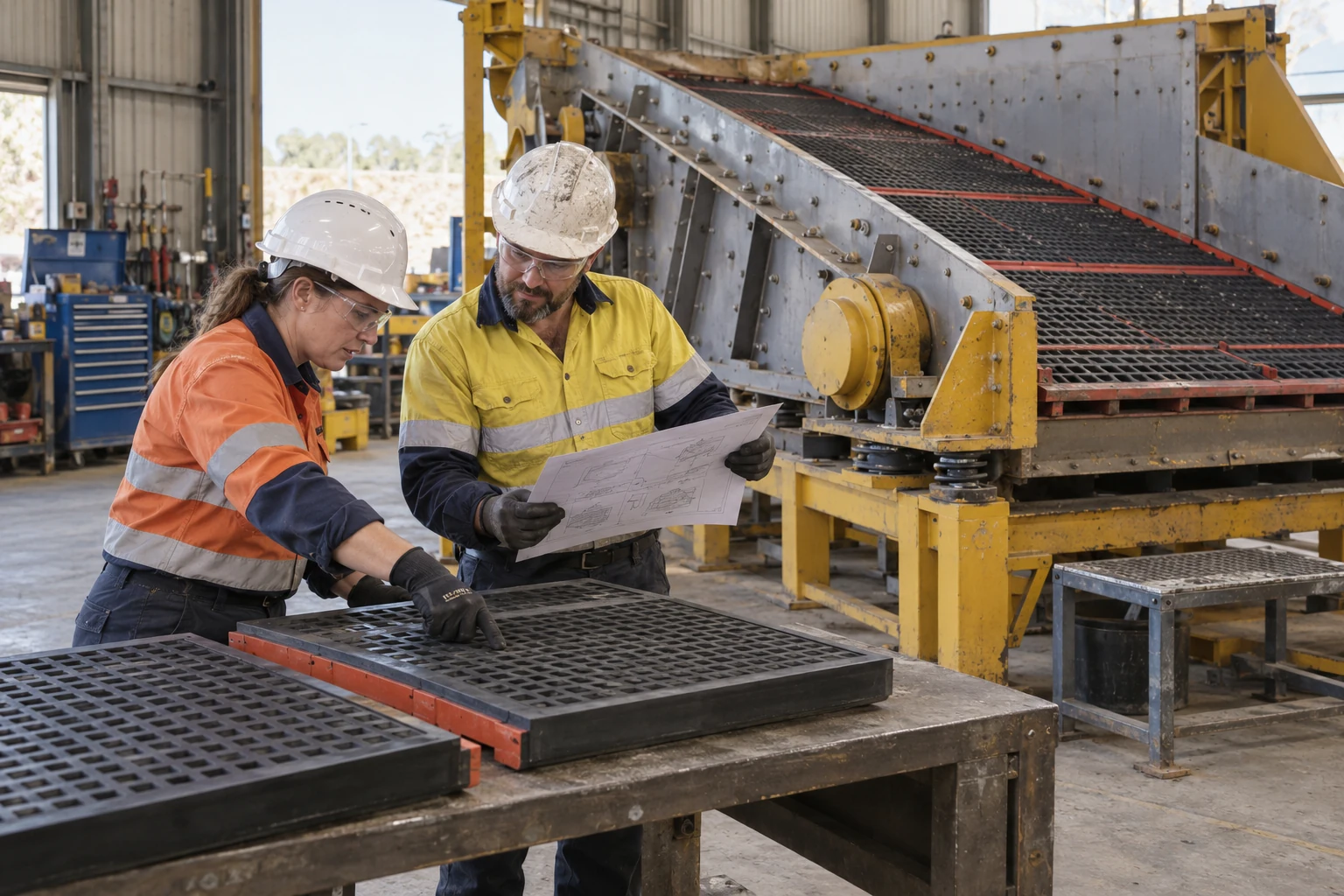
A planner and mechanic compare two supported screen-panel samples and a drawing beside a stationary vibrating screen.
Illustrative use case

MIN-NEW-01 / 01 OF 15

Plan the screen-panel task.

Vibrating screen panel maintenance planning

A planner and mechanic compare screen-panel samples, the deck and a drawing before defining the maintenance package.

Learner task
Identify the intended panel and retaining interfaces, explain what the source supports and list the fit or handling questions still needing review.
Technology benefit
EON Universal could connect the panel references to named equipment context; Genesis could rehearse the selection and its reasoning before practical work.
Case link ↗Back to case index ↑
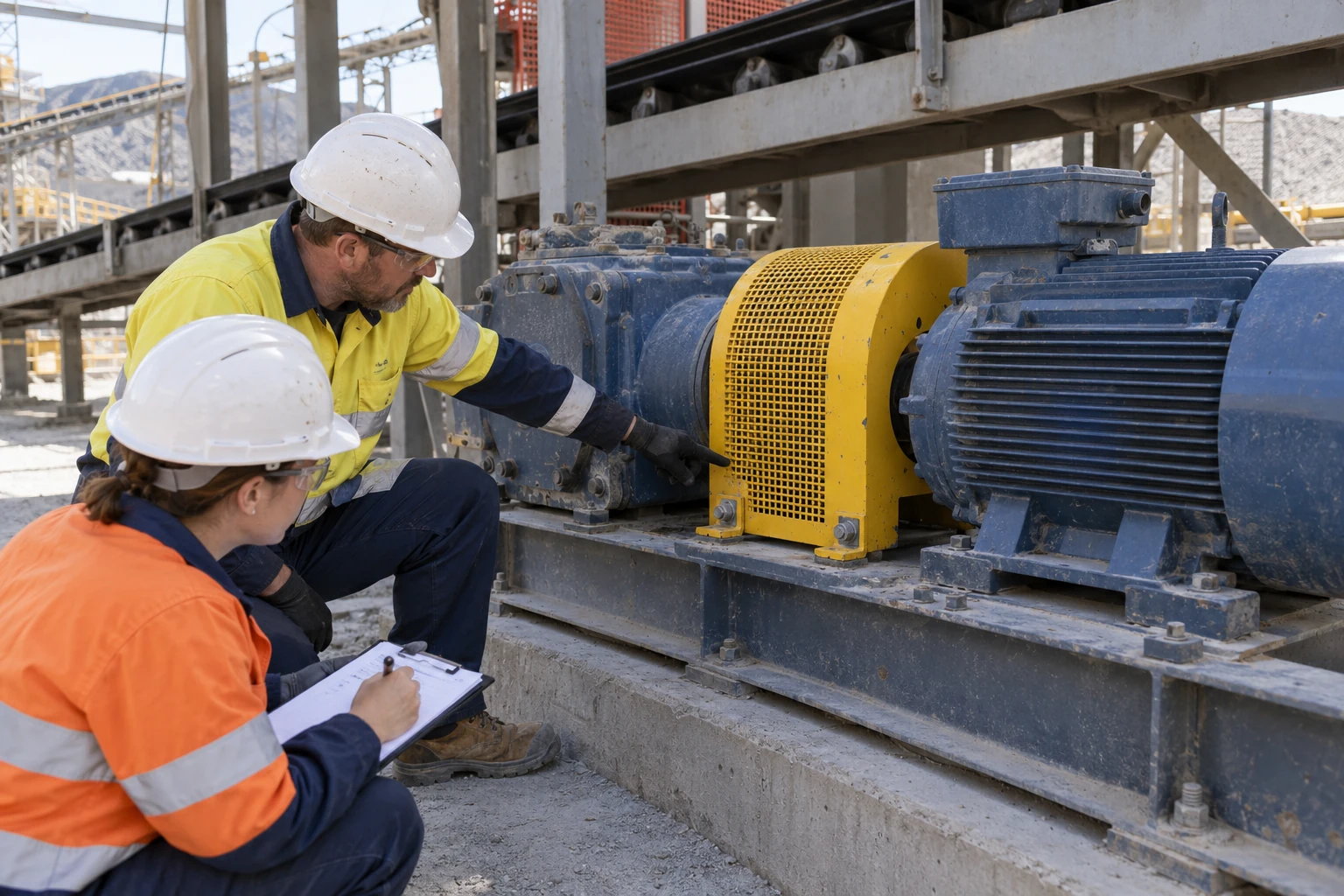
Two colleagues point to the installed coupling guard on a stationary conveyor drive while recording a handover.
Illustrative use case

MIN-NEW-02 / 02 OF 15

Keep the guard finding clear.

Conveyor guard retention handover

A conveyor-drive finding must survive the handover from the person who observed it to the person reviewing the return-to-work decision.

Learner task
Locate the guard attachment region, distinguish the reported observation from an accepted check and explain the unresolved evidence to the recipient.
Technology benefit
Field IQ could keep the observation, source revision and reviewer together, helping the next person understand the same finding.
Related conveyor training example ↗

The related CV-101 model is a separate training fixture, not a reconstruction of this scene.

Case link ↗Back to case index ↑
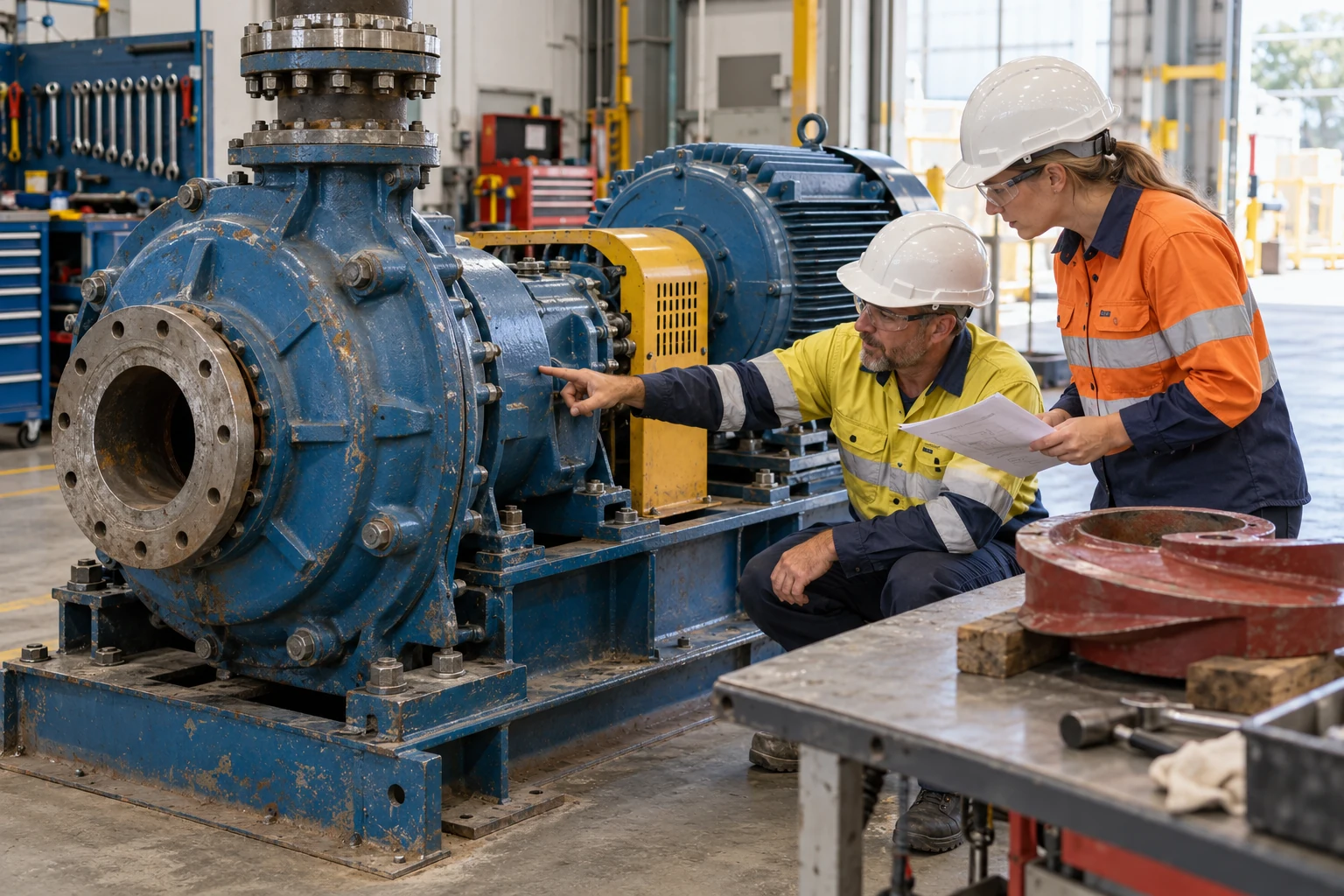
Maintenance colleagues review an external slurry-pump location and paperwork beside a supported spare volute.
Illustrative use case

MIN-NEW-03 / 03 OF 15

Define the pump work scope.

Slurry pump condition to work scope

An external pump observation is the starting point for a maintenance work scope, rather than a diagnosis inferred from appearance.

Learner task
Link the observation to the correct pump location, identify what can be supported by the supplied evidence and assign the next inspection or review.
Technology benefit
A Field IQ work record could connect the location and source evidence to the work-scope discussion, preserving why the proposed action was chosen.
Slurry-pump task scoping ↗Case link ↗Back to case index ↑
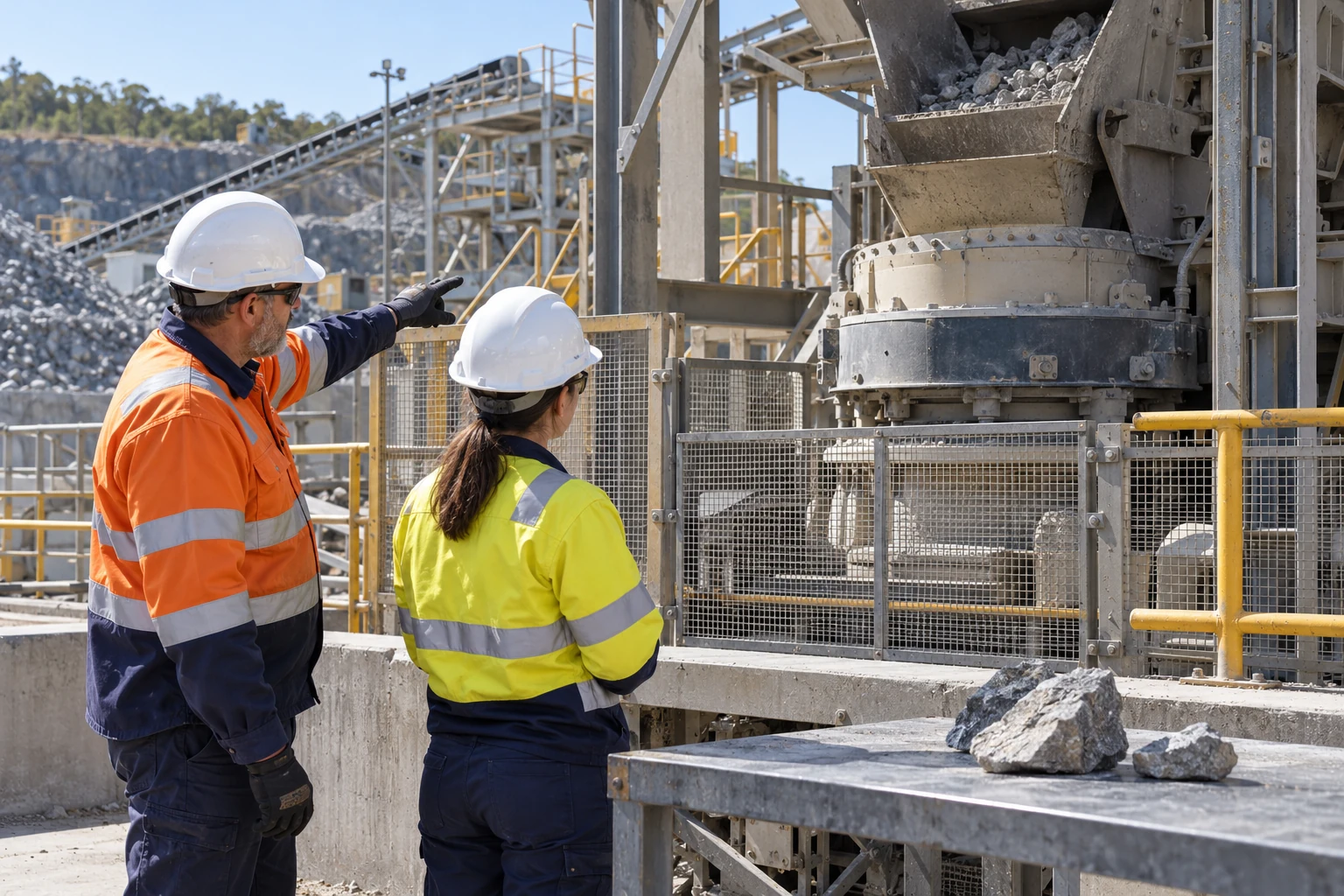
Two colleagues examine the crusher-feed structure from outside a barrier while discussing an observation with a tablet.
Illustrative use case

MIN-NEW-04 / 04 OF 15

Report the crusher observation.

Crusher blockage observation rehearsal

A crusher-feed observation becomes a rehearsal in reporting an abnormal condition from the reviewed observation boundary.

Learner task
Describe what is visible, separate the observation position from the access boundary and choose the information needed for maintenance escalation.
Technology benefit
Genesis could rehearse competing reporting decisions in spatial context, without demonstrating chamber access or a blockage-clearing procedure.
Case link ↗Back to case index ↑
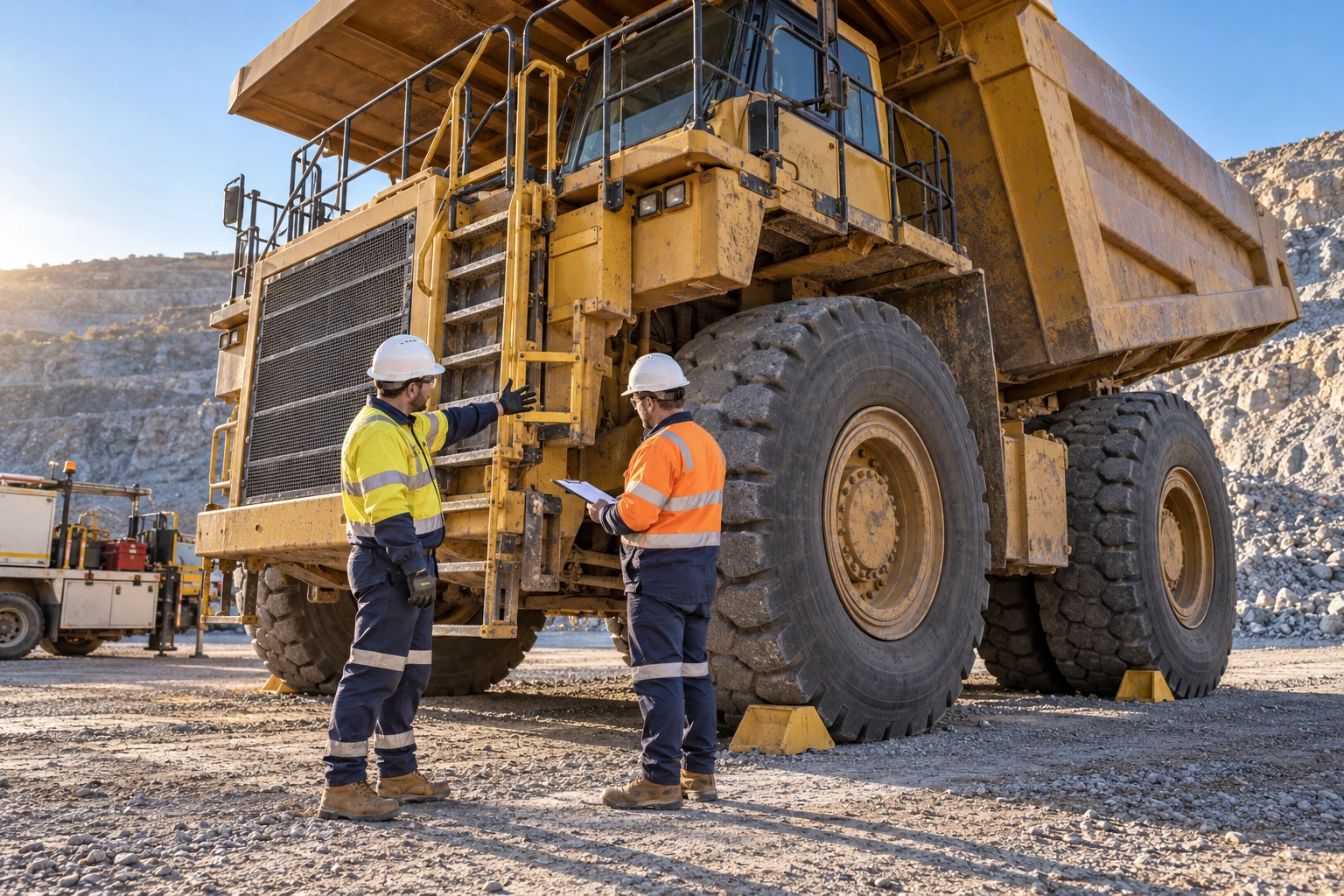
Two workers on the ground discuss a parked haul truck access ladder while one records the handover on a clipboard.
Illustrative use case

MIN-NEW-05 / 05 OF 15

Hand over the truck finding.

Haul truck defect and shift report

A reported access-ladder concern needs a precise location and review status that the incoming haul-truck crew can follow.

Learner task
Identify the truck and location, retain the reported observation and ask the receiving supervisor to explain the open checks and next owner.
Technology benefit
Field IQ could carry location-specific evidence across the shift; a Genesis exercise could test whether the recipient understands the same finding.
Explore the haul-truck story ↗Case link ↗Back to case index ↑
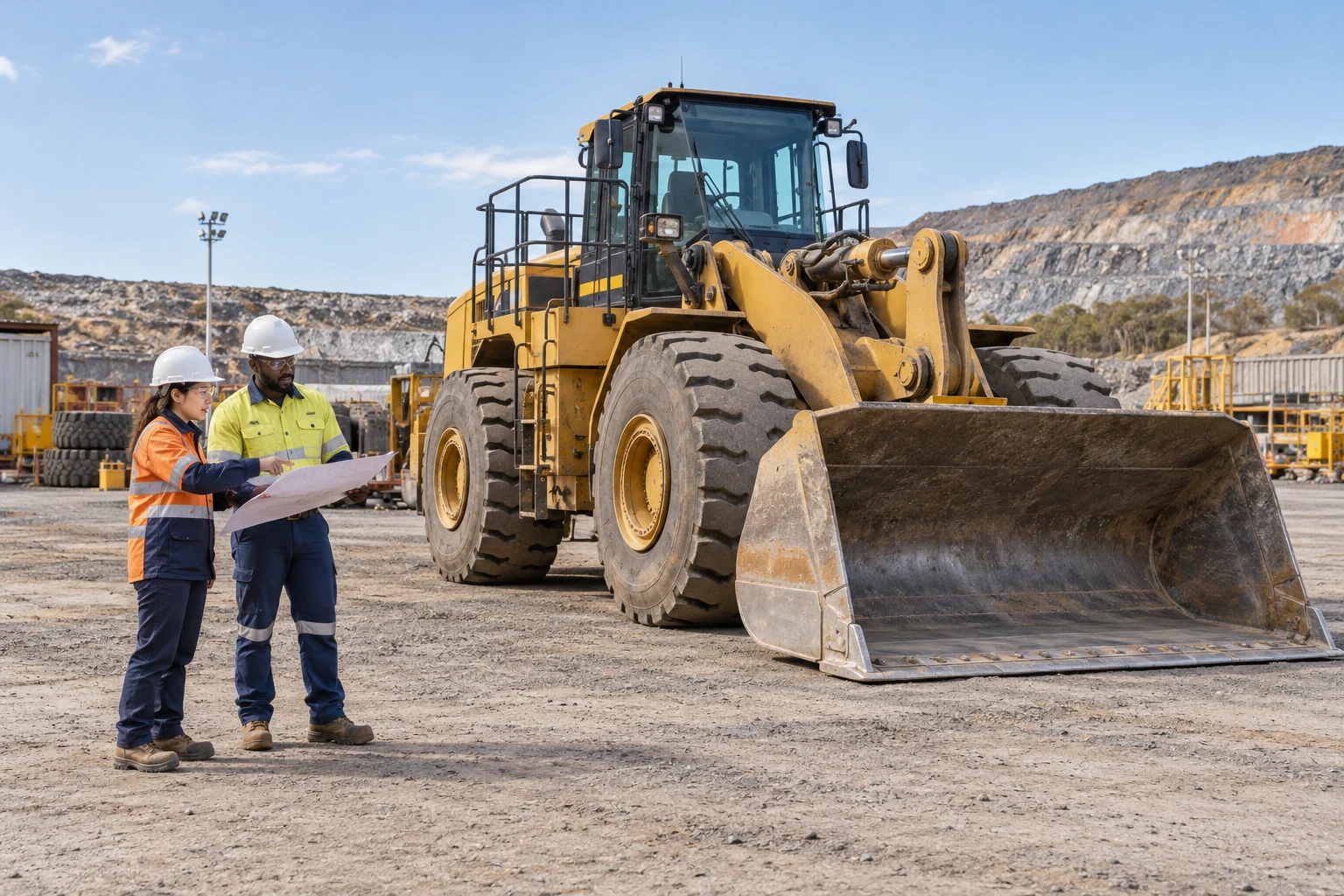
Two workers compare a planning sheet beside a parked wheel loader with its bucket resting on the ground.
Illustrative use case

MIN-NEW-06 / 06 OF 15

Plan the loader work area.

Loader attachment and work-area planning

A parked loader provides the context for discussing the attachment, planned task and work area before a supervised exercise.

Learner task
Identify the attachment and relevant source, mark the proposed work-area questions and distinguish visible alignment from verified attachment status.
Technology benefit
A reviewed spatial scene could connect the attachment and plan; Genesis could let the learner explain the missing confirmations before the briefing closes.
Case link ↗Back to case index ↑
A drill crew reviews a drawing beside supported threaded rods on a rack and a stationary drill rig.
Illustrative use case

MIN-NEW-07 / 07 OF 15

Check the drill-rod choice.

Drill rig rod-handling work preparation

The crew compares supported drill steel and preparation records before selecting the intended rod and handling scope.

Learner task
Compare the rod identifiers and source information, explain the proposed choice and name the handling or support evidence that still needs instructor review.
Technology benefit
Genesis could rehearse configuration choices while keeping the source record and unresolved handling dependencies visible to the instructor.
Case link ↗Back to case index ↑
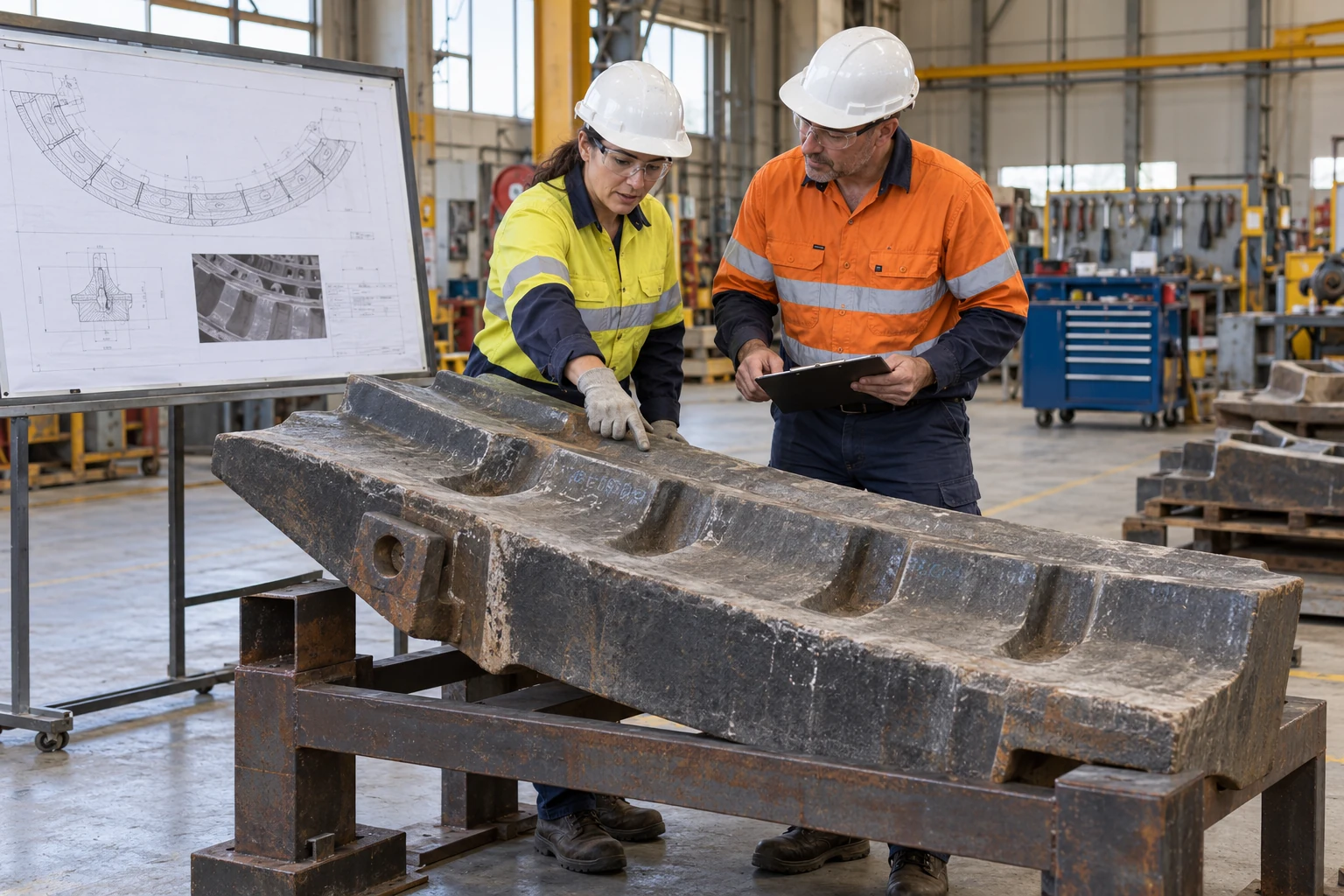
Two maintenance planners compare a supported mill-liner segment with a reference drawing in a workshop.
Illustrative use case

MIN-NEW-08 / 08 OF 15

Review the mill-liner evidence.

Mill liner serviceability review

A supported mill-liner segment and a reference drawing anchor a discussion about the evidence required for a service package.

Learner task
Locate the relevant liner features and drawing references, separate reported condition from measured acceptance and assign the remaining service questions.
Technology benefit
EON Universal could keep the part, drawing and observation connected, giving the maintenance reviewer a clearer basis for the work-scope decision.
Case link ↗Back to case index ↑
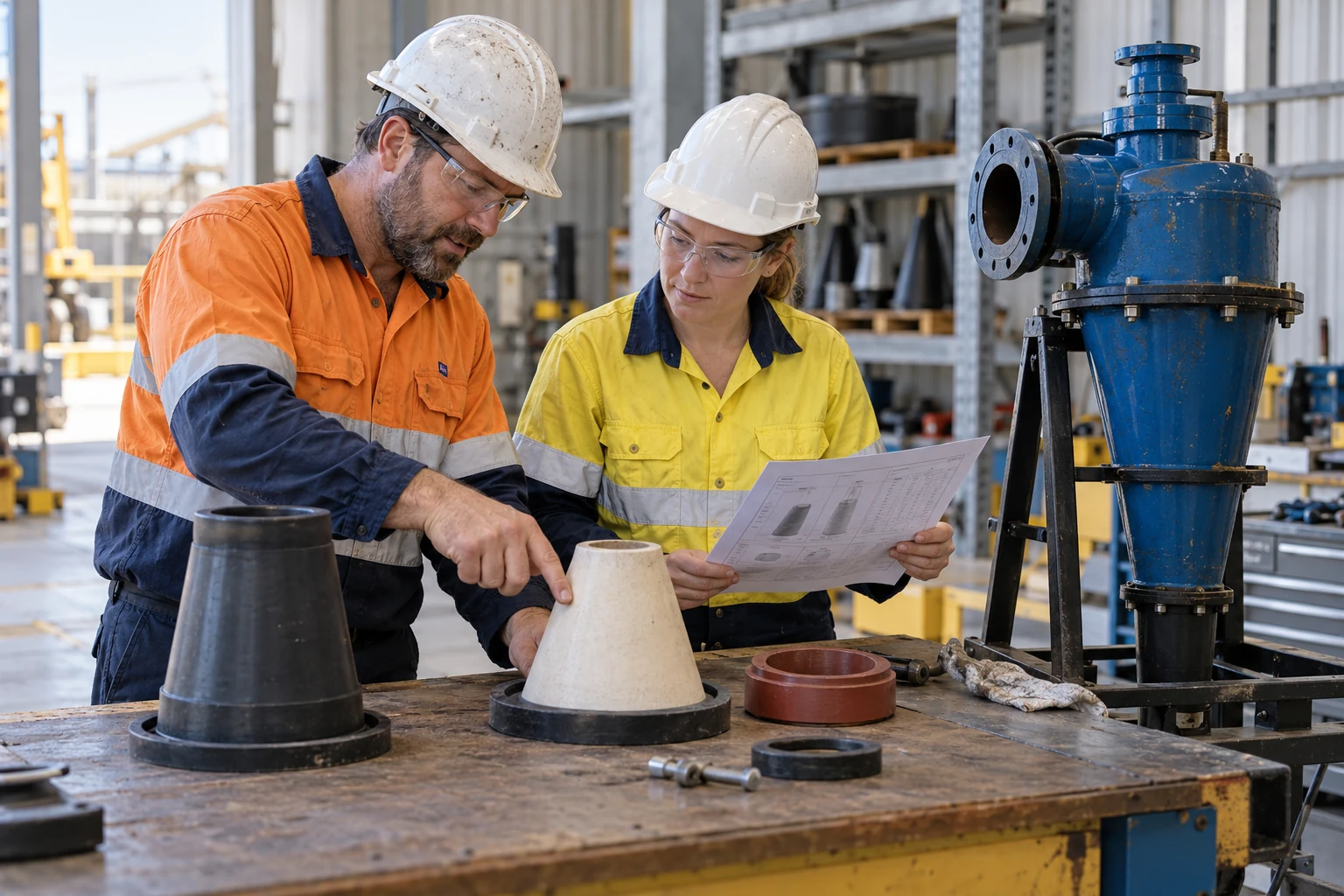
Two maintainers compare hydrocyclone wear-part variants and a drawing beside a supported cyclone assembly.
Illustrative use case

MIN-NEW-09 / 09 OF 15

Choose the right wear part.

Hydrocyclone wear-part applicability

Look-alike hydrocyclone wear parts are compared against the intended equipment and the applicable source record.

Learner task
Identify the candidate parts, explain the source-backed selection and retain the rejected alternative and unresolved applicability checks.
Technology benefit
A named component view could preserve the part-to-source relationship; Genesis could test the learner’s selection and explanation without implying a completed fit check.
Case link ↗Back to case index ↑
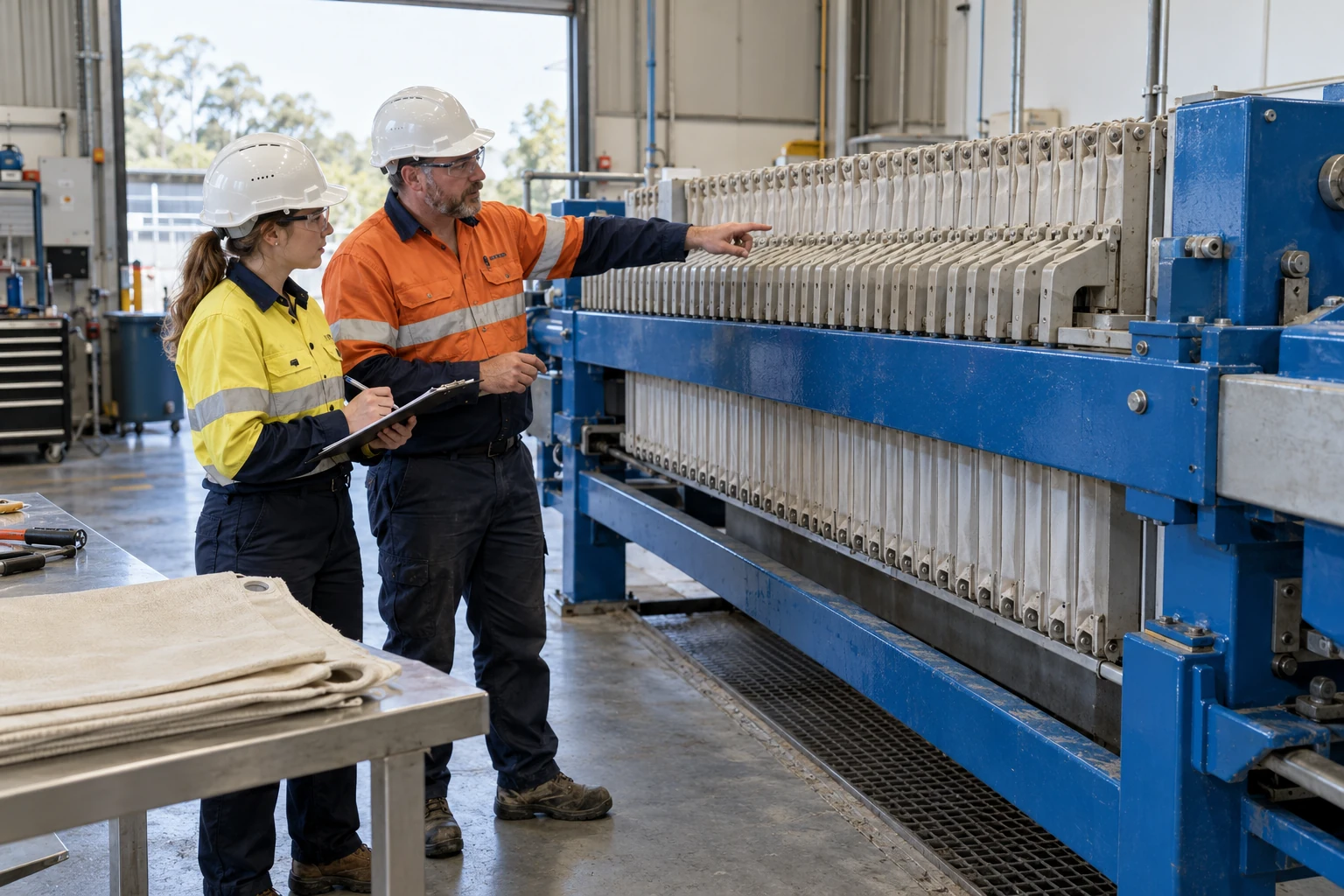
Two maintainers review a stationary filter press and cloth samples with an inspection sheet.
Illustrative use case

MIN-NEW-10 / 10 OF 15

Make the press handback clear.

Filter press configuration and handback

Filter-press handback depends on a shared understanding of the intended configuration, the inspection record and the open review items.

Learner task
Match the plate or cloth reference to the configured press, describe the evidence available and hand over the checks that remain unresolved.
Technology benefit
Field IQ could connect the reviewed configuration and observations, keeping the handback record understandable to the receiving maintenance owner.
Case link ↗Back to case index ↑
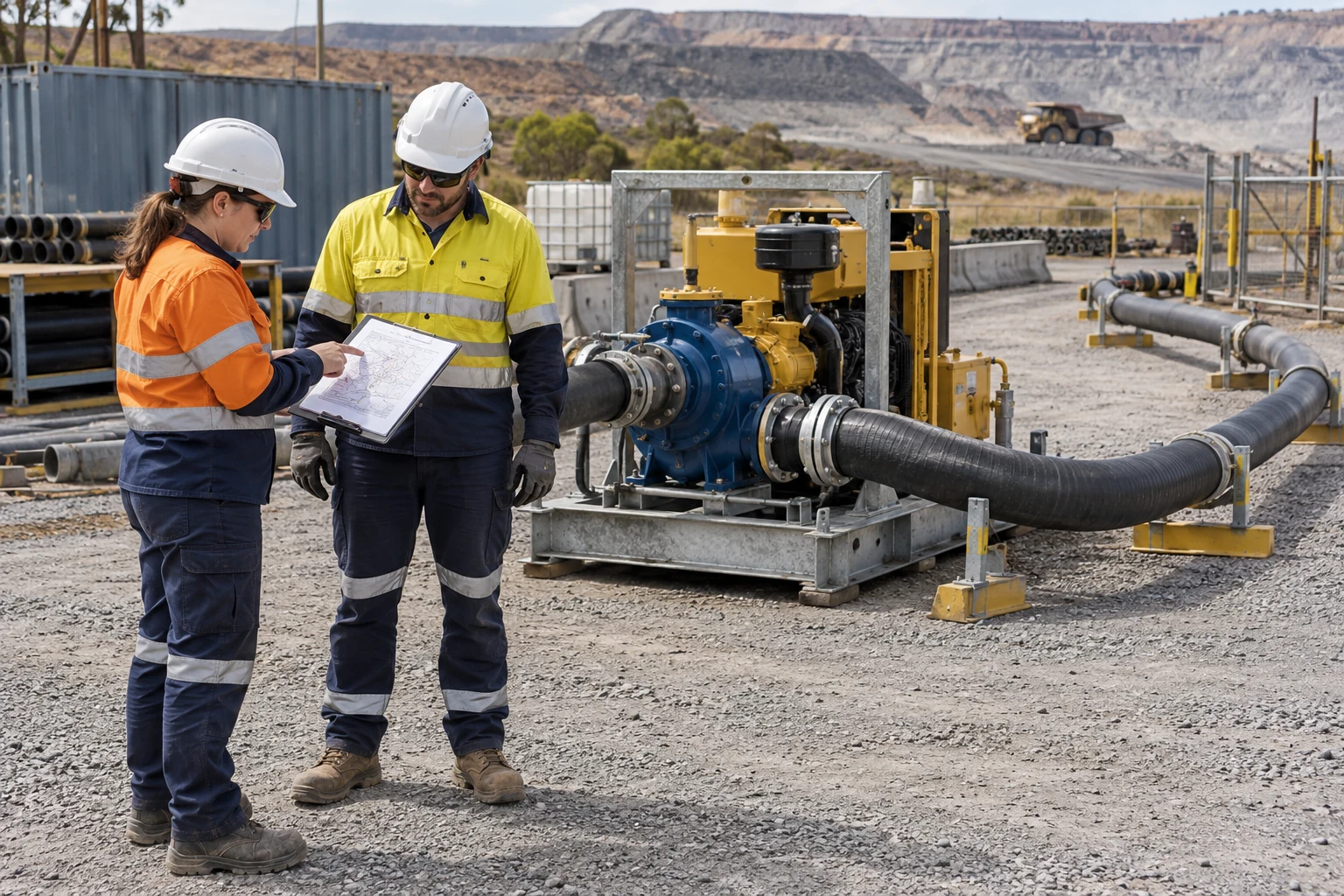
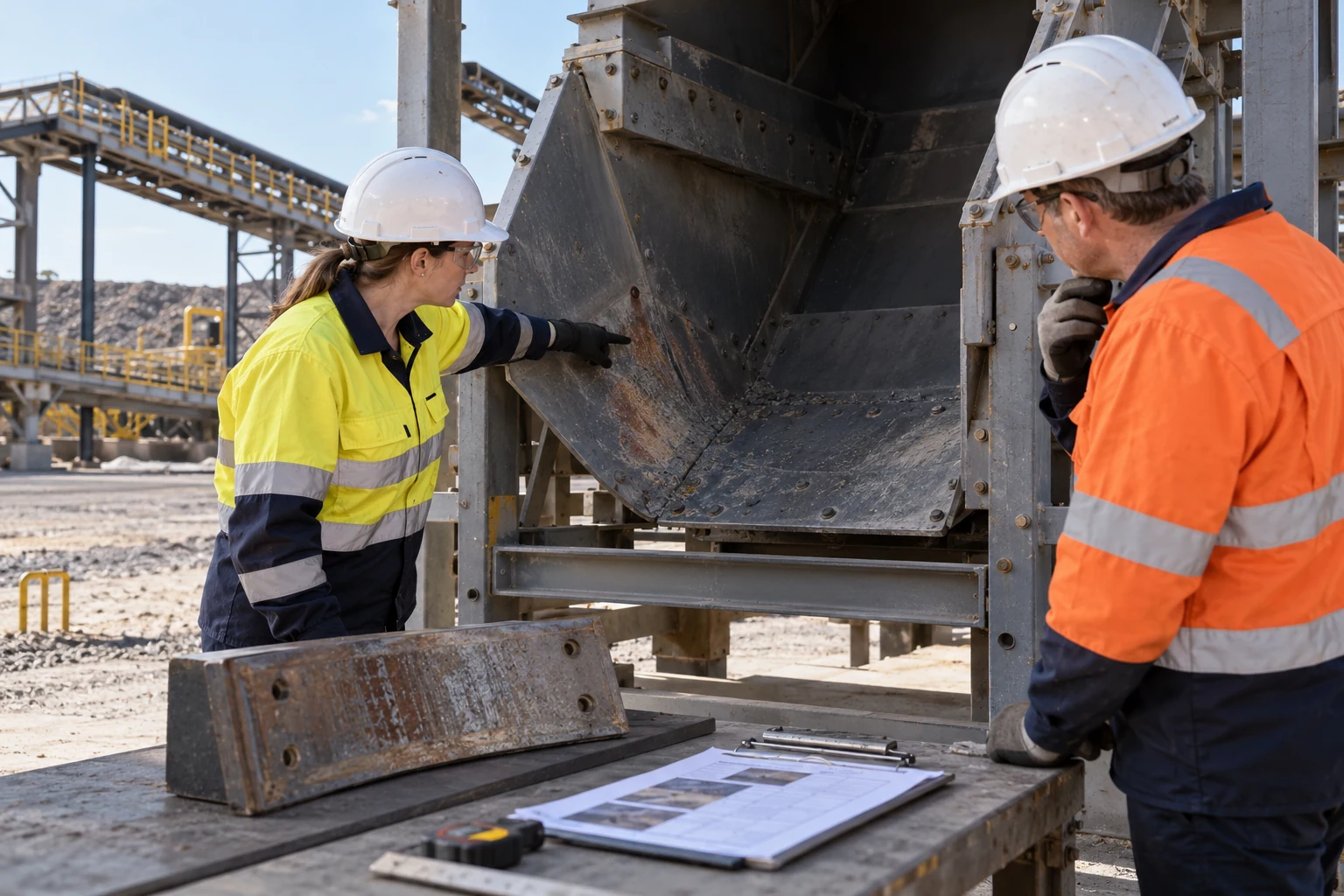
Two field workers compare a route drawing beside a stationary dewatering pump skid and a supported hose in a quarry.
Illustrative use case

MIN-NEW-11 / 11 OF 15

Trace the dewatering route.

Dewatering hose route planning

Field colleagues compare a dewatering installation, hose route and planning drawing in the terrain where the work is proposed.

Learner task
Trace the proposed route, identify the source-designated connection and access questions, and explain which conditions need field confirmation.
Technology benefit
EON Universal could connect route references to spatial context, supporting a review of the plan without treating an illustrative view as a surveyed installation.
Case link ↗Back to case index ↑
Two maintainers compare a transfer-chute liner observation with a supported spare liner and paperwork from outside the chute.
Illustrative use case

MIN-NEW-12 / 12 OF 15

Keep the chute-wear evidence.

Transfer chute wear evidence review

A chute observation is reviewed alongside a supported liner example and the source material needed to define a maintenance scope.

Learner task
Locate the observation, distinguish visible condition from measured wear and separate the proposed work area from the access or entry decision.
Technology benefit
Field IQ could preserve the observation and source views with their reviewer, making the reasoning behind the proposed liner work easier to revisit.
Case link ↗Back to case index ↑
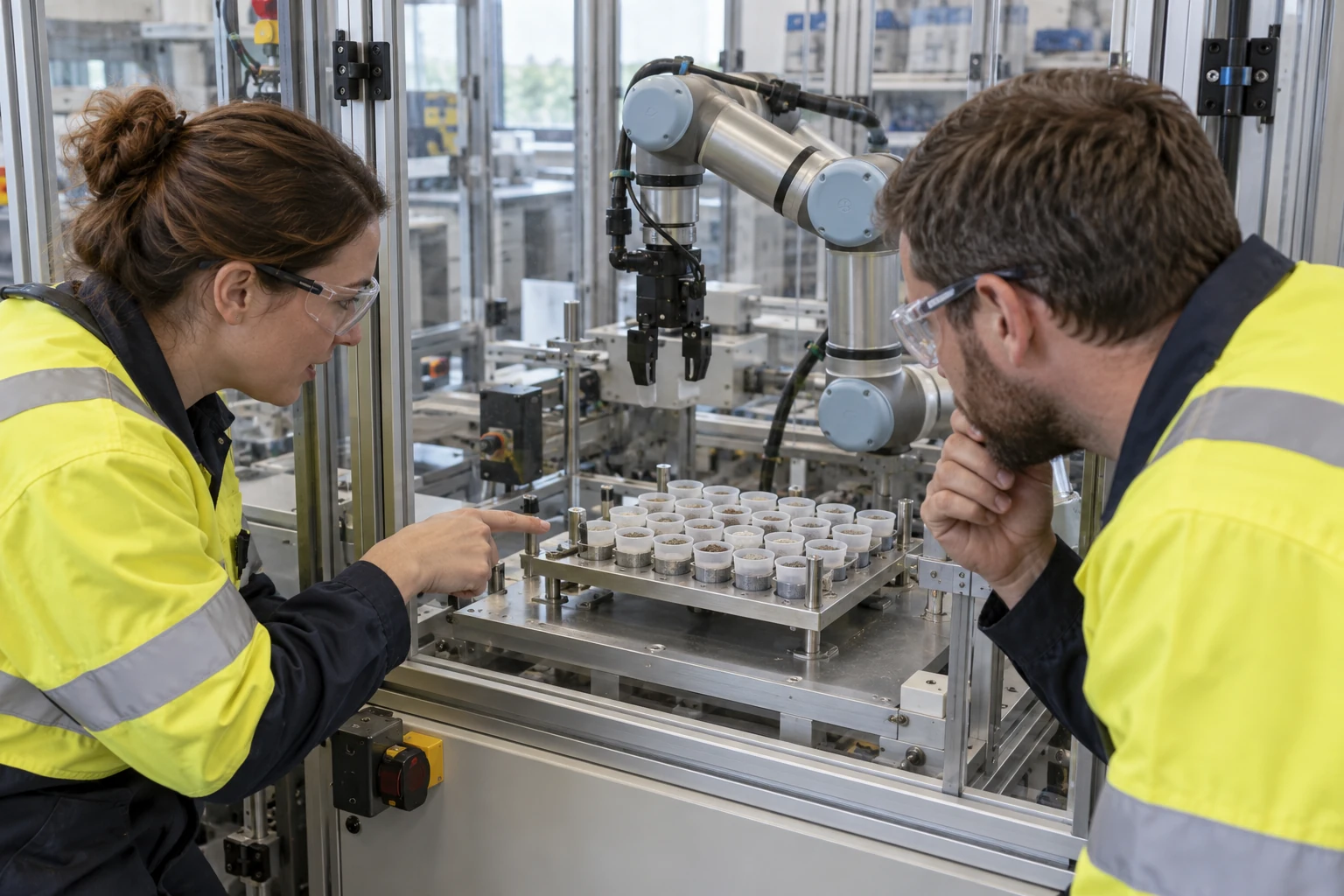
Two sample-preparation colleagues review mineral sample cups and robot pickup positions in an inactive laboratory cell.
Illustrative use case

MIN-NEW-13 / 13 OF 15

Review the robot sample transfer.

Robot sample-tray handling task

Sample-preparation colleagues review tray identity and proposed pickup positions around an inactive robot cell.

Learner task
Identify the sample-tray references, describe the intended transfer and list the sensing, placement and contact checks an integrator must resolve.
Technology benefit
A reviewed digital scene could help people inspect task references and recovery cases before any separately qualified robot or Genesis implementation.
Case link ↗Back to case index ↑
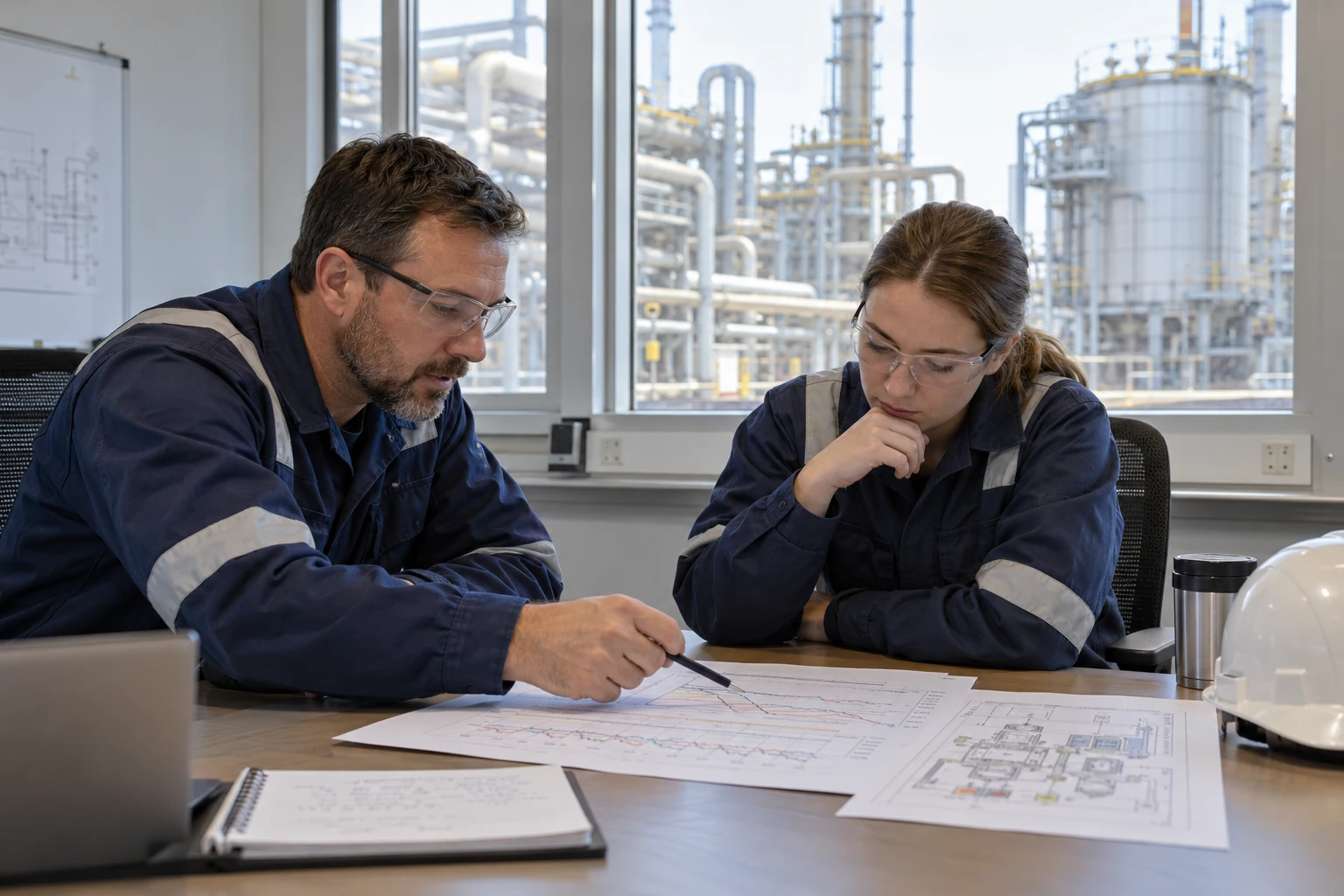
A trainer and operator compare printed synthetic trends and a layout in a generic process-plant training setting.
Illustrative use case

MIN-NEW-14 / 14 OF 15

Practise the plant response.

Plant anomaly decision rehearsal

A trainer and operator compare synthetic trends and a plant layout before discussing an anomaly response.

Learner task
Separate evidence from assumptions, compare the response options and explain what further information or escalation would change the decision.
Technology benefit
Genesis could turn the synthetic case into a repeatable decision rehearsal with feedback tied to the evidence, rather than a claim of live diagnosis.
Case link ↗Back to case index ↑
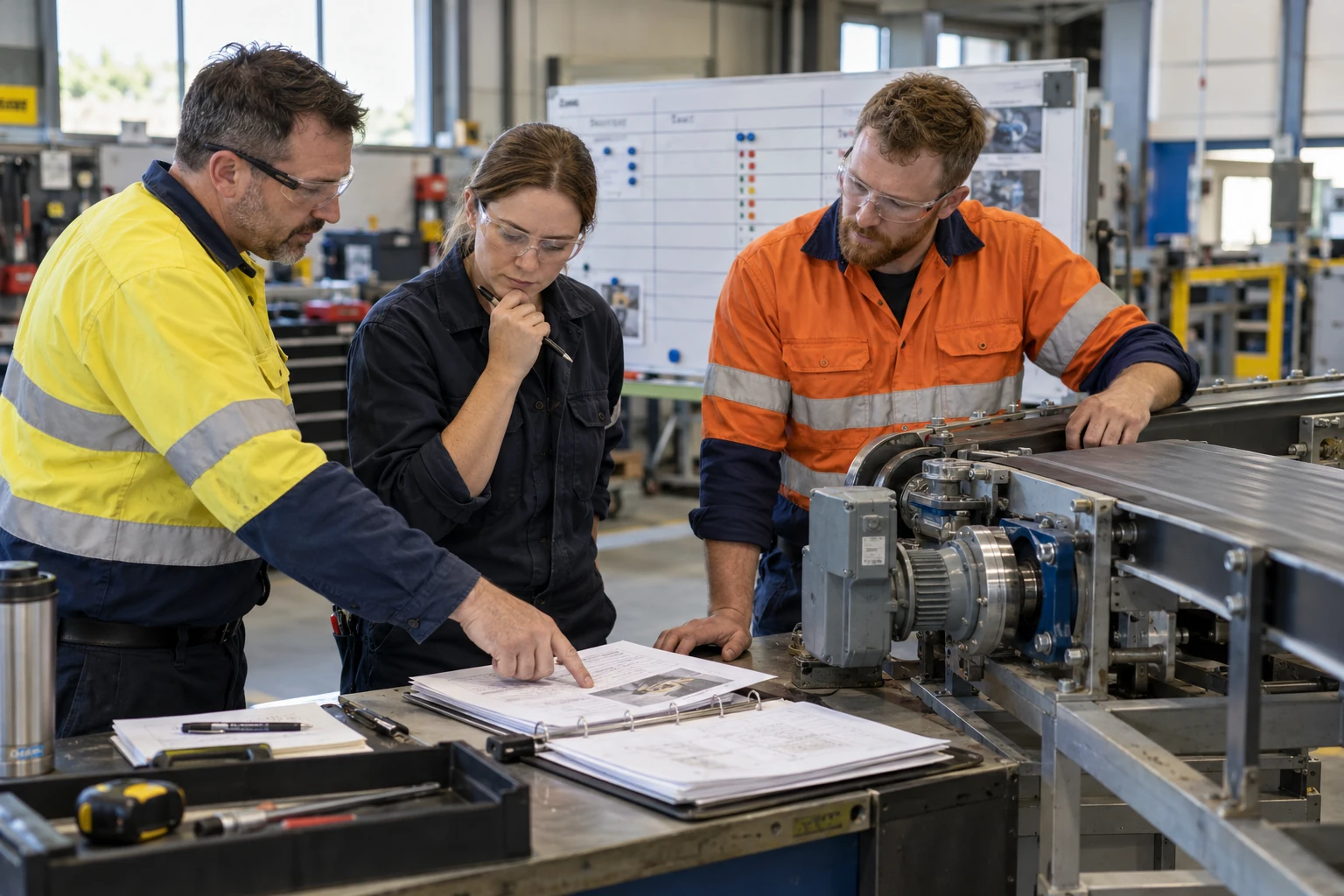
Three colleagues compare job records and an inactive training conveyor while discussing crew responsibilities.
Illustrative use case

MIN-NEW-15 / 15 OF 15

Coordinate the next crew.

Maintenance crew coordination exercise

A crew uses job records and an inactive training conveyor to agree responsibilities and handover dependencies.

Learner task
Identify each role, explain the dependencies between tasks and agree who owns the next action and any unresolved decision.
Technology benefit
A Genesis coordination exercise could rehearse role handovers; reviewed task memory could retain the explanation that helps the next crew.
Case link ↗Back to case index ↑

FROM A SCENE TO A WORKING EXPERIENCE

Choose the useful task.
Then qualify the sources.

The commercial scenes are separate from equipment-reference packs, 3D models and working applications. They do not establish completed models, approved operating procedures or finished Genesis lessons.

Start with a permitted equipment source, the applicable instruction and a person who can review the intended learner decision.

Concept visualization